Record, capture, edit & share
all in one place.
Capture your screen or a screenshot, then save it to the cloud or your own local vault. From there, edit, organize, and share it in one click — all from a single workspace.
One flow, start to finish
Capture
First, record your screen or grab a screenshot from the extension.
Organize & edit
Then sort into folders, trim, annotate, or merge to PDF.
Store
Next, save to the cloud or your own Local Vault — your call, either way.
Share
Finally, share a one-click public or private link from its own page.
A tour of the workspace
Here's one consolidated look at organizing, screenshots, storage and sharing.
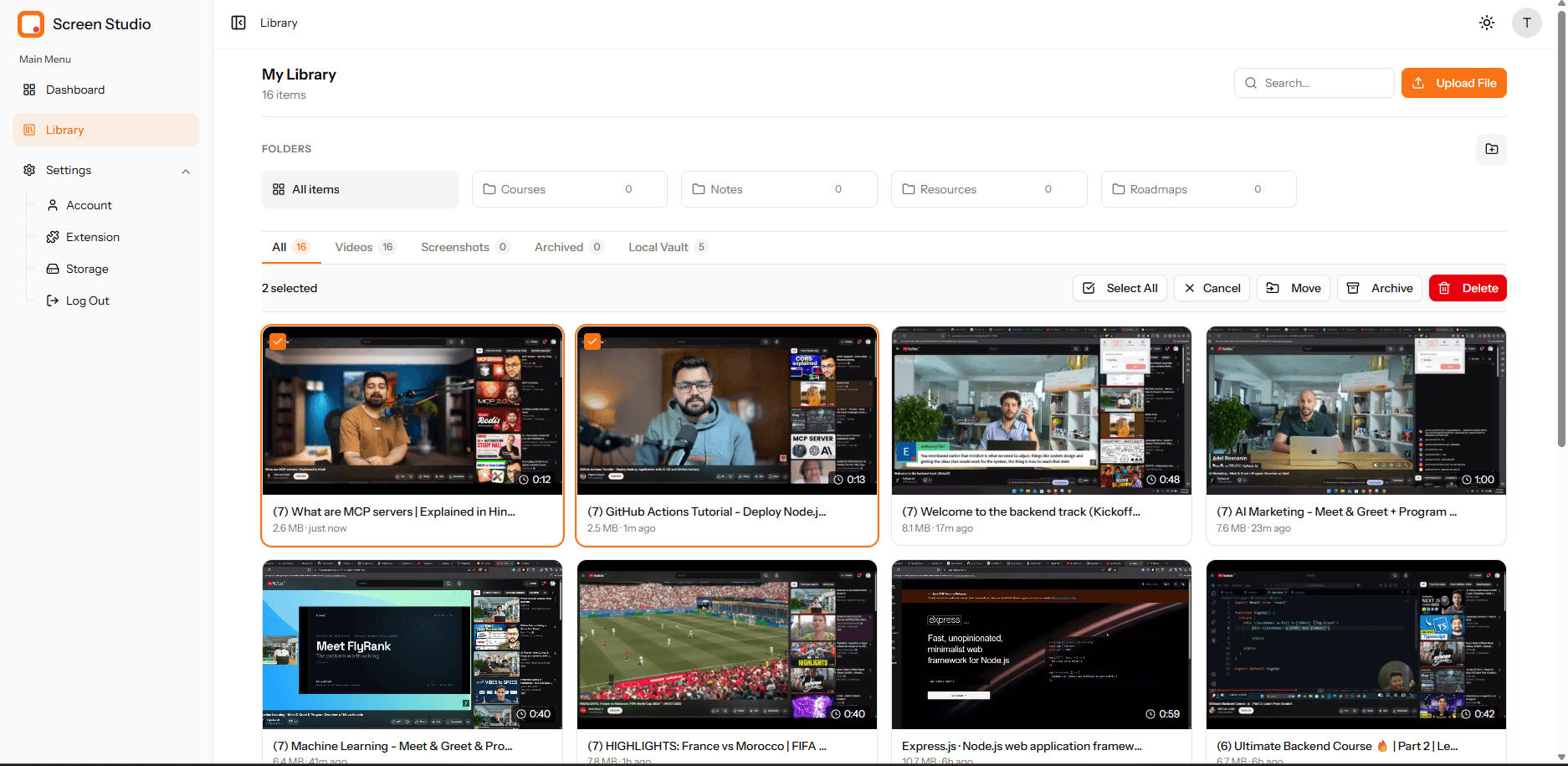
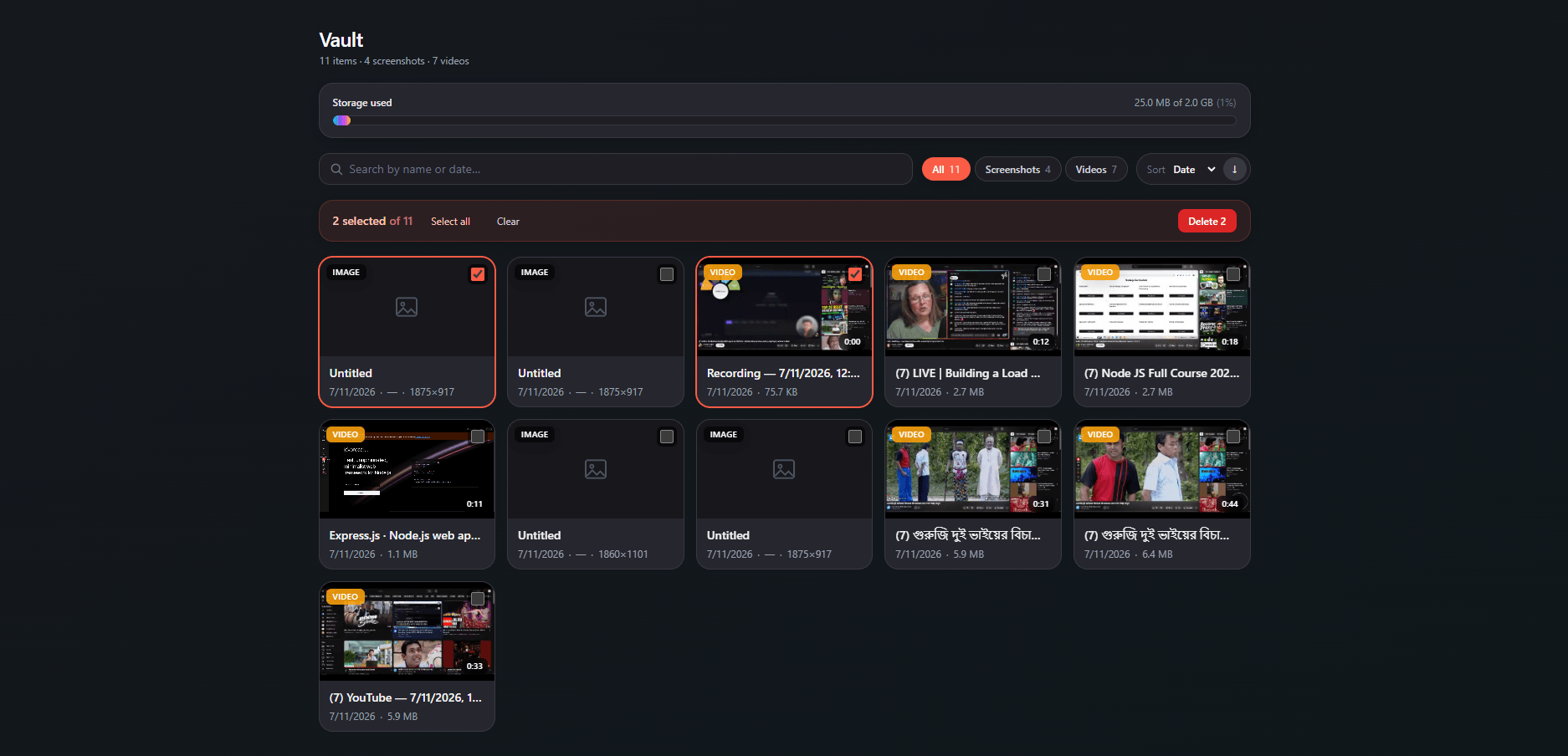
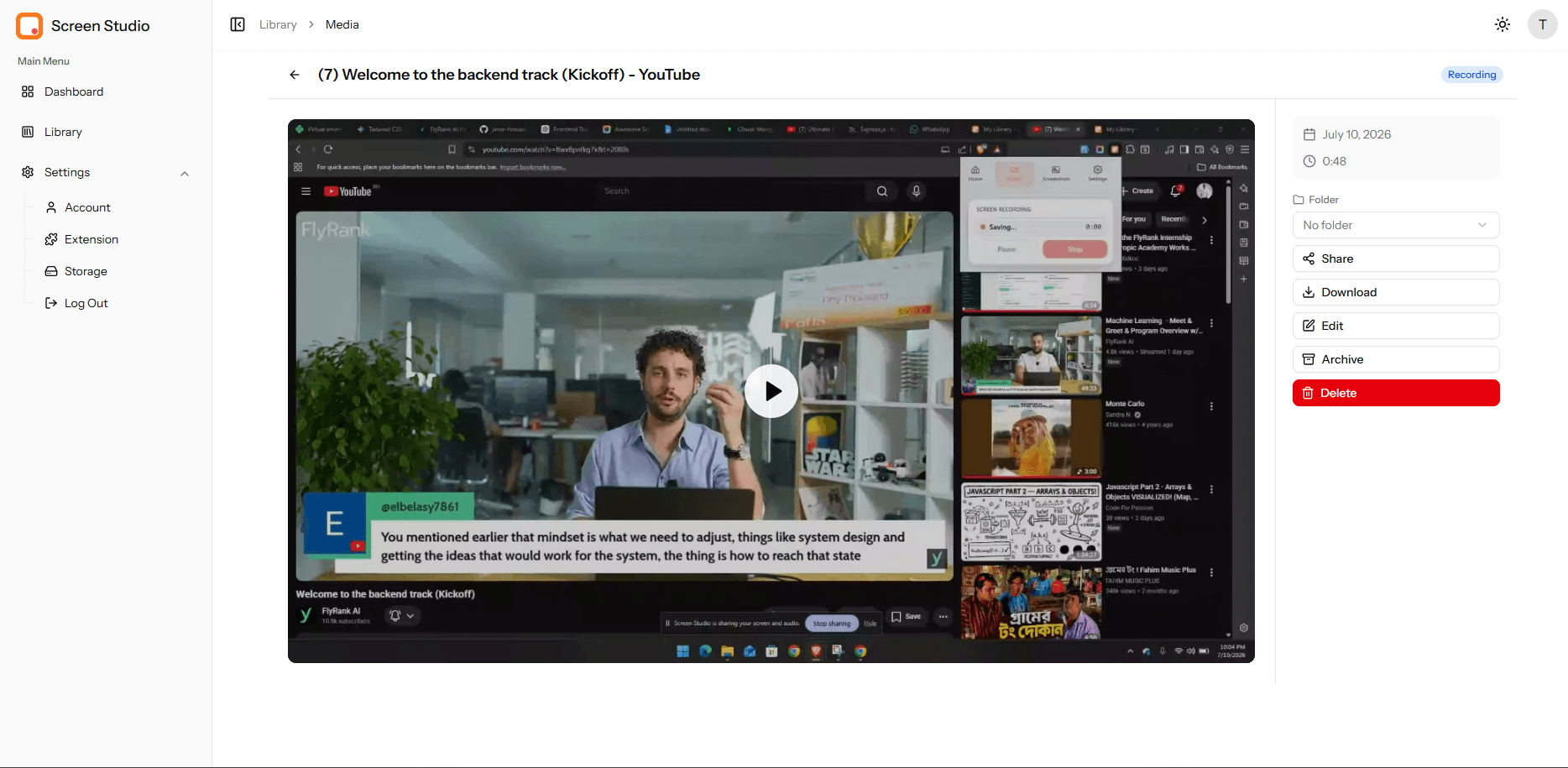
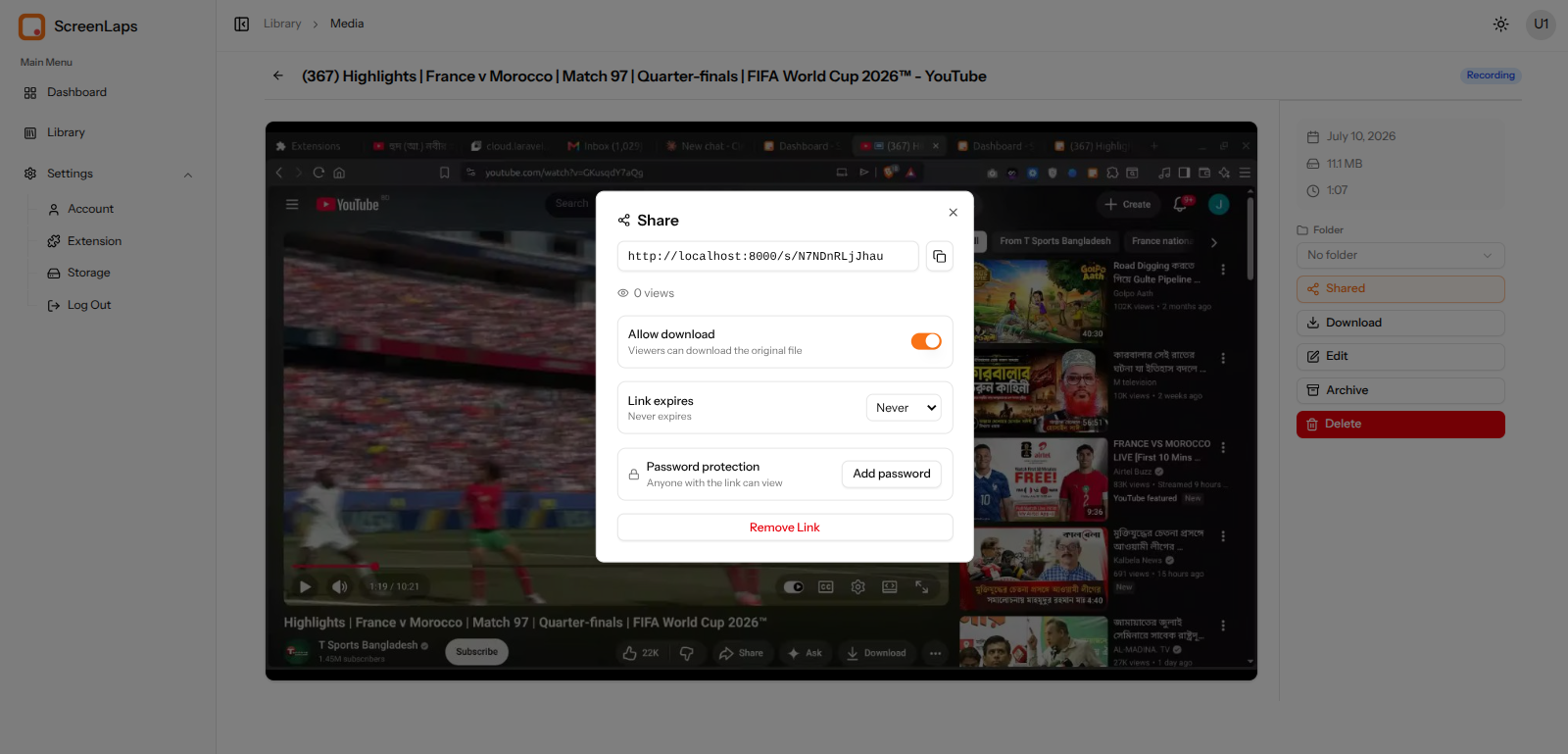
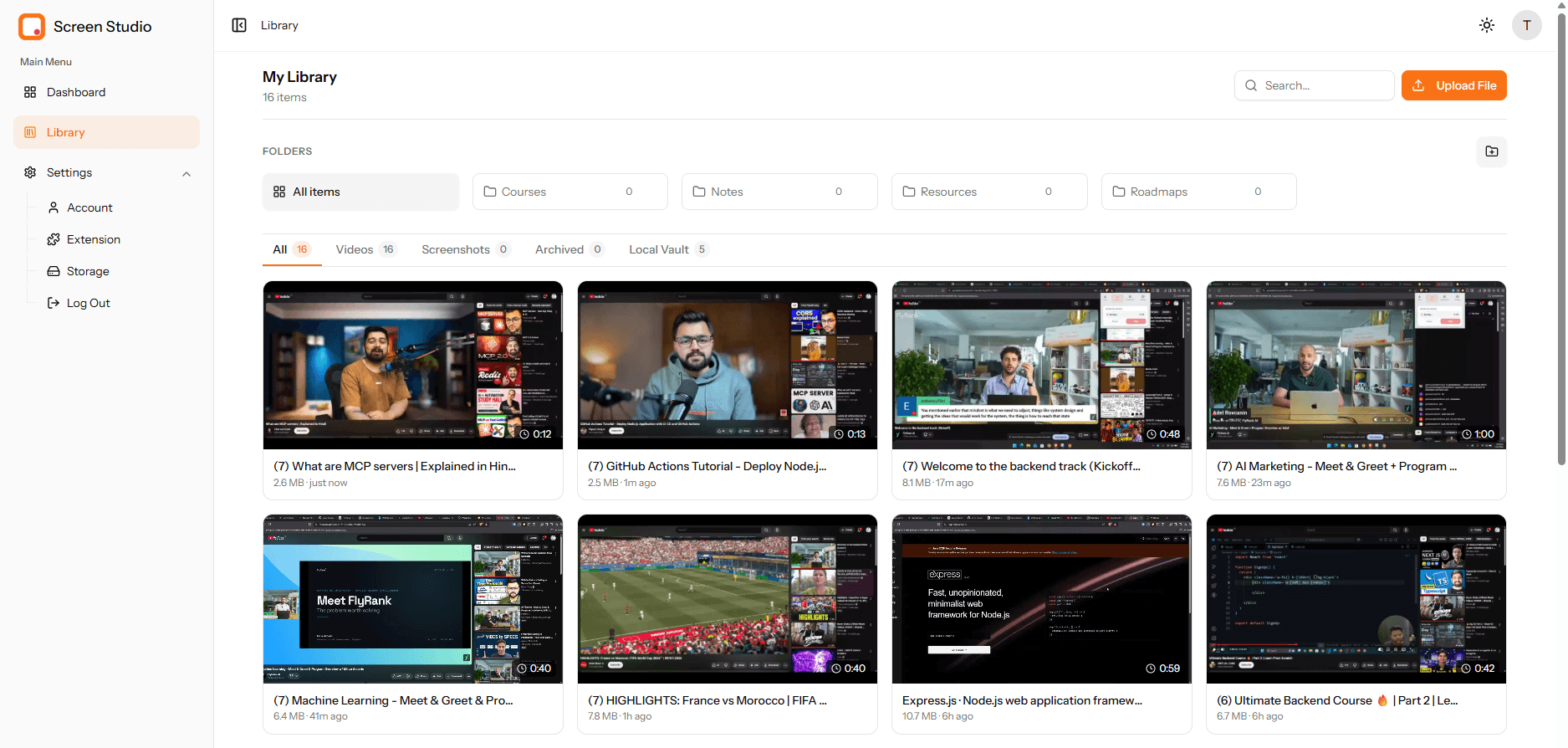
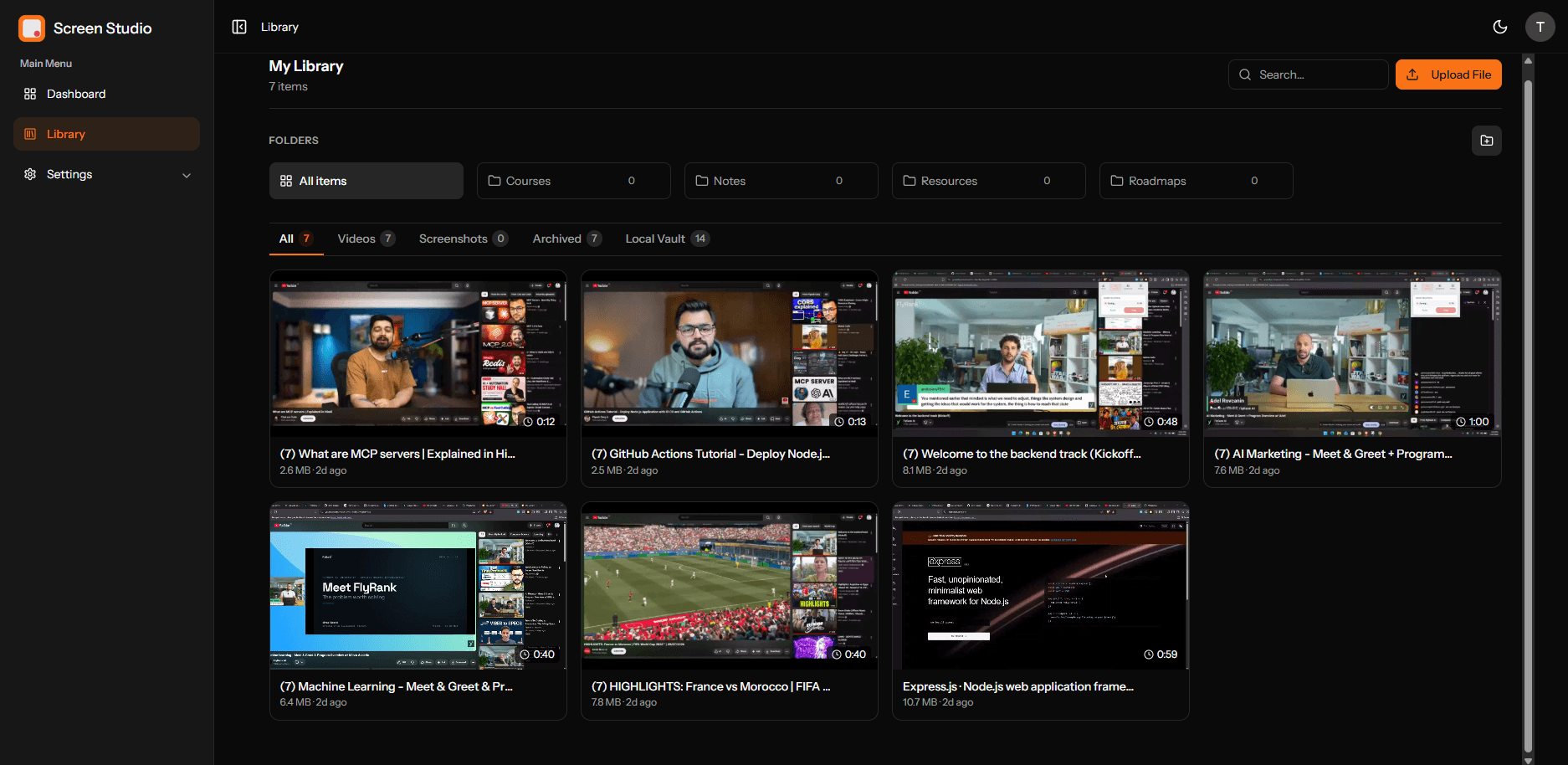
One library for every capture
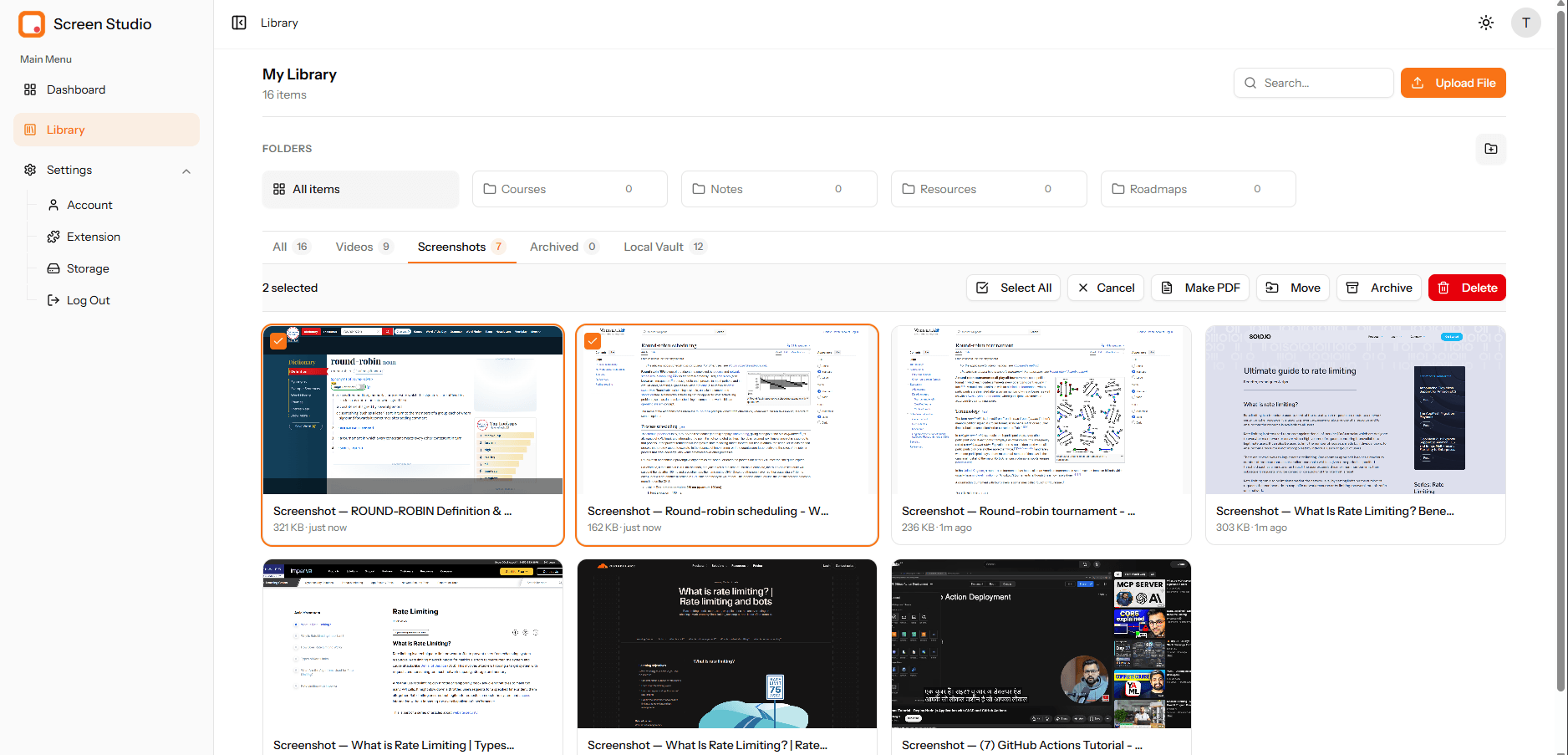
Sort everything into folders, jump between All, Videos and Screenshots, and search in a keystroke. Plus, select several at once to move, archive or delete in bulk.
- Folders and All / Videos / Screenshots tabs
- Multi-select with bulk move, archive & delete
- Instant search and an archive to keep things tidy
Turn screenshots into a polished PDF
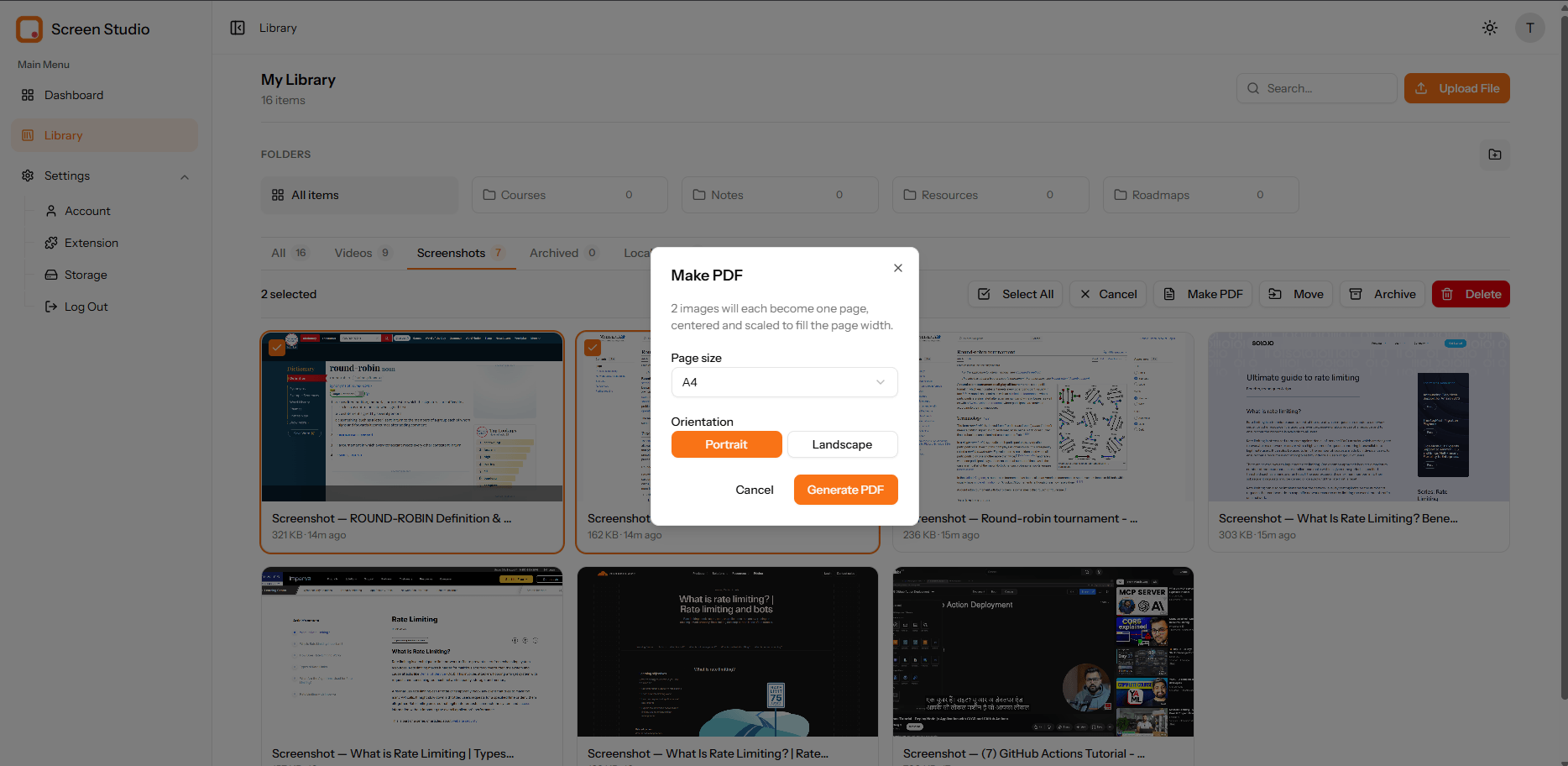
Select a set of screenshots and merge them into one document. Then pick page size and orientation, and each image becomes a clean, centered page.
- Combine multiple screenshots into a single PDF
- Choose A4 and portrait or landscape
- Also export as JPG or PNG anytime
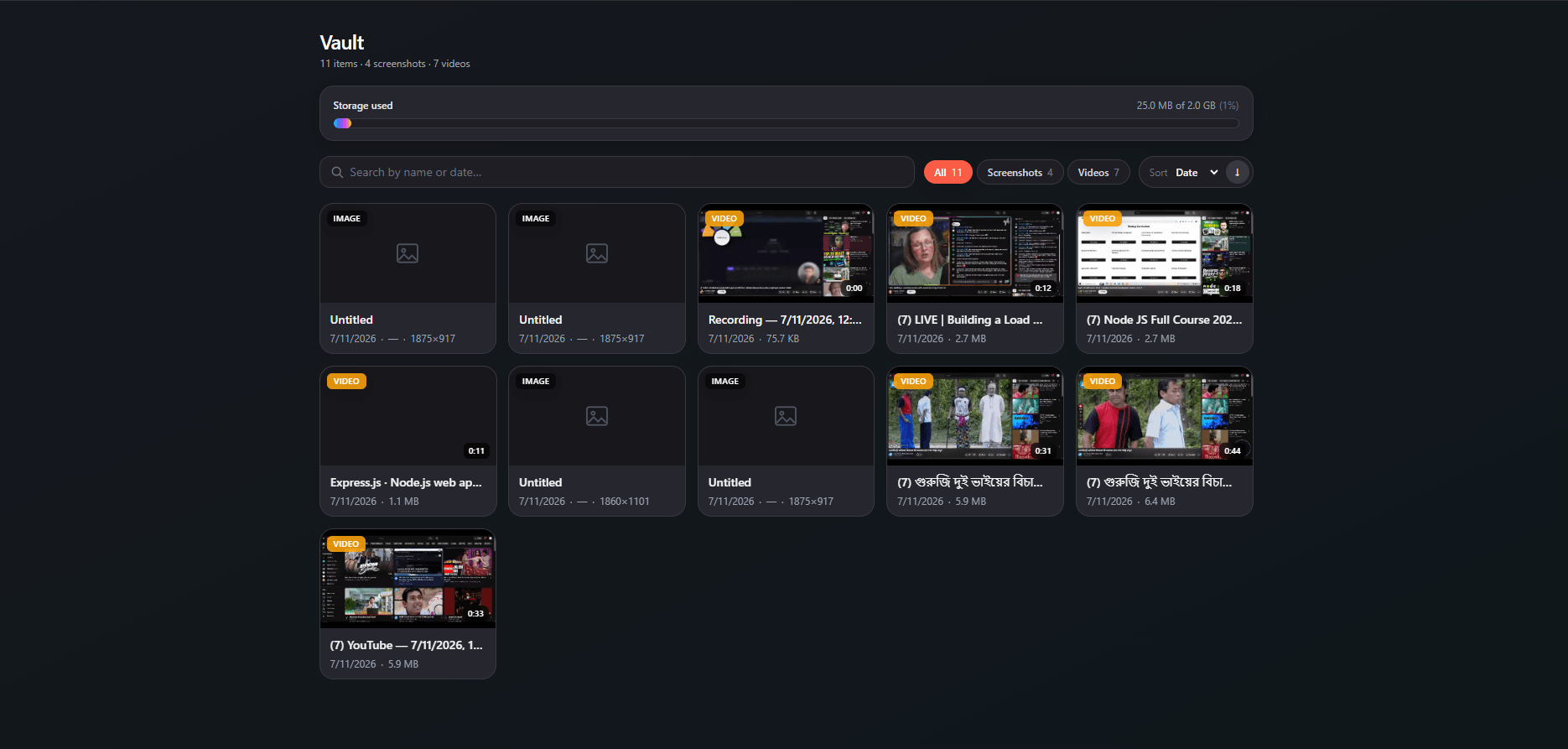
A Local Vault on your own disk
Keep recordings and screenshots stored right on your machine with unlimited items and a clear storage meter. Prefer the cloud instead? Then save there for access anywhere.
- Local Vault with unlimited screenshots & recordings
- Storage meter with search, filter and sort by type or date
- Or save to the cloud for sharing and access anywhere
Every asset gets its own page
Open any recording or screenshot on a clean dedicated page. From there, play it back, share a public or private link, download, edit or archive it — all in one spot.
- Share a public or private link
- Download, edit, archive or delete
- Organize into folders on the fly
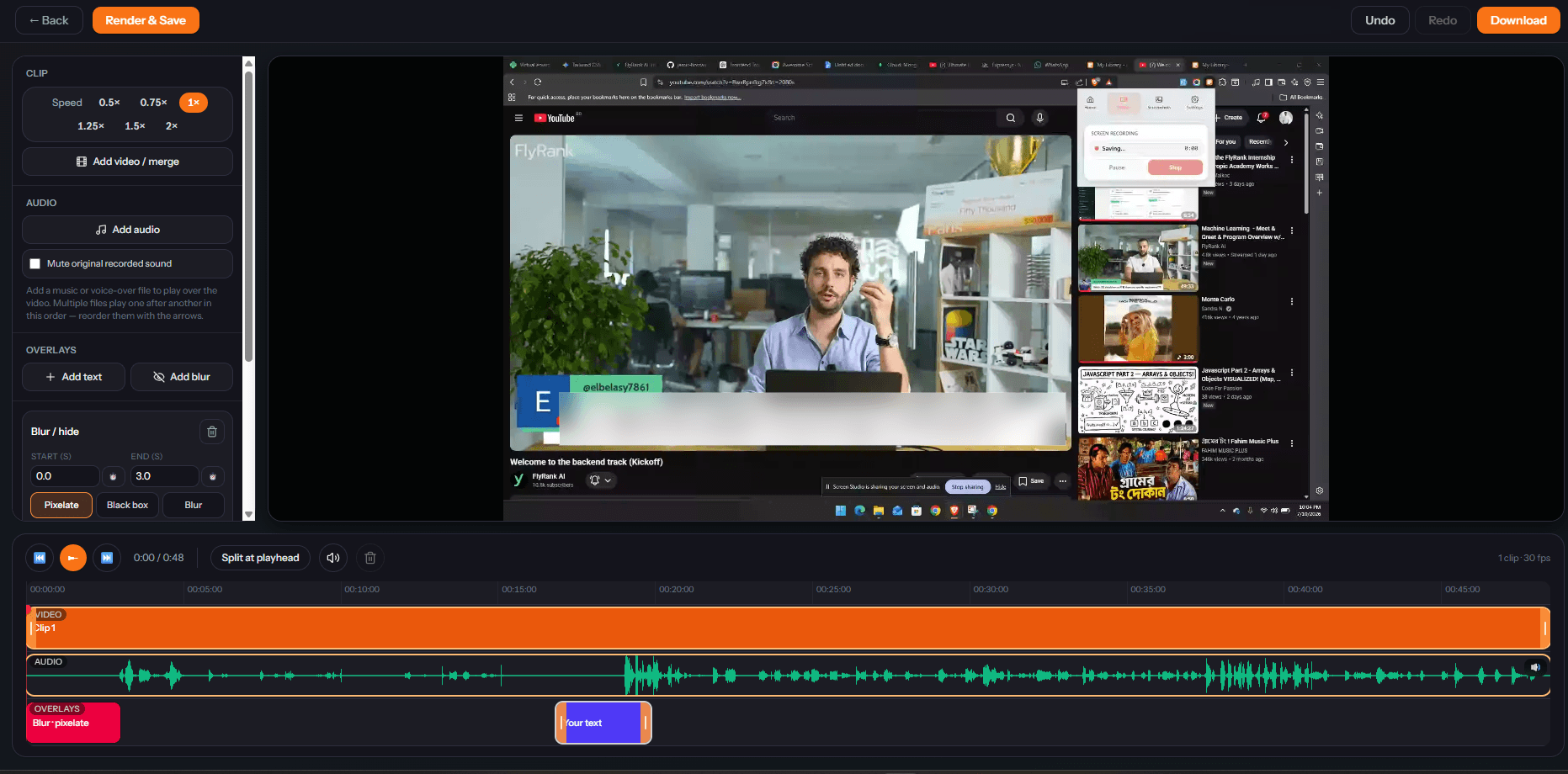
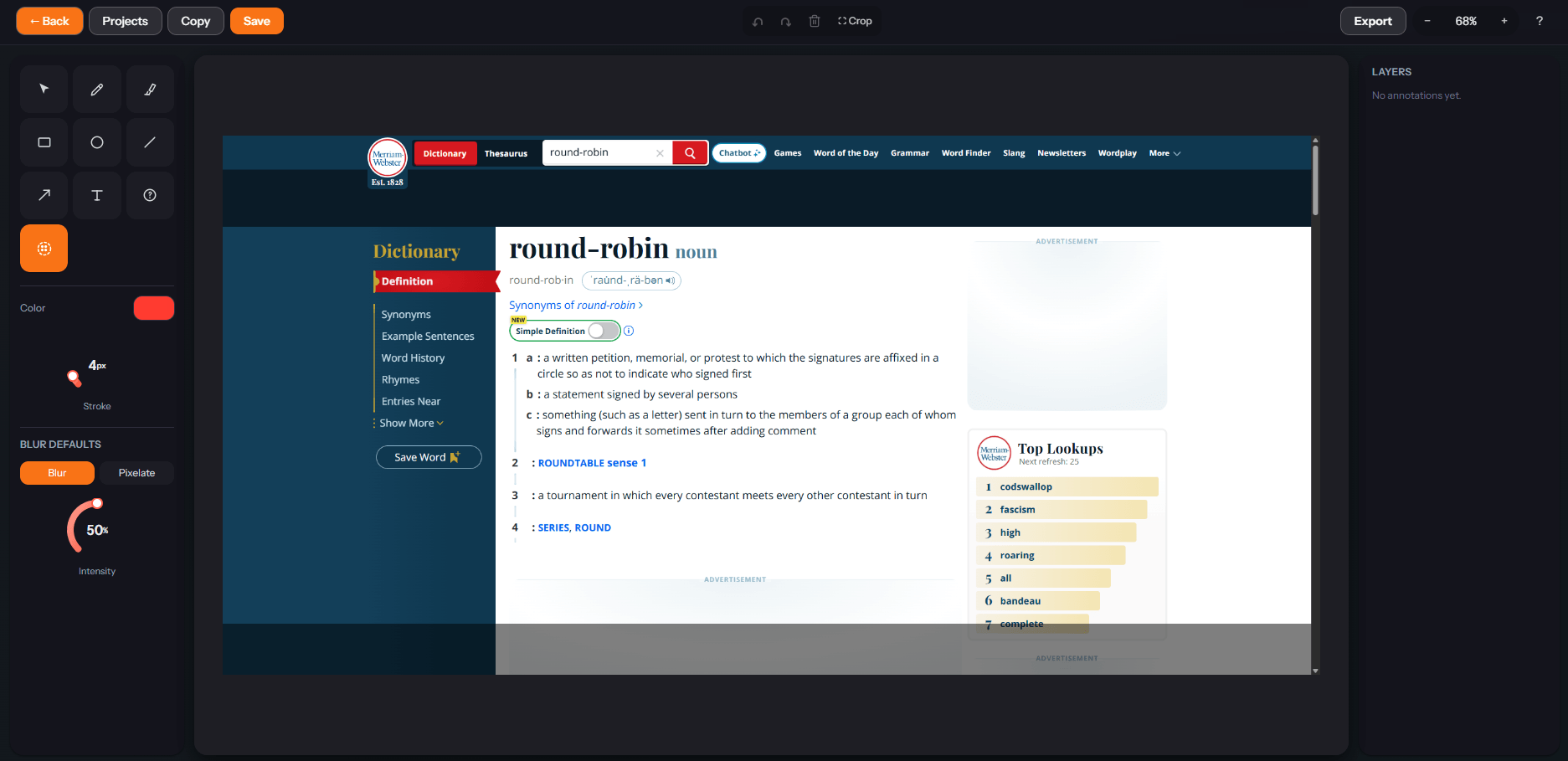
Powerful editors, built in
The same editors power both your cloud and local media.